
Home Tech Land is reader-supported. When you buy through links on our site, we may earn a commission. As an Amazon Associate, we earn from qualifying purchases.
Last updated: . How we research: We compare manufacturer specs with published lab measurements and owner reports; we don’t test products in person. Learn more about Home Tech Land.
The HP X27q is a 27-inch gaming monitor with a 2560 x 1440 resolution (often called 1440p) and a 165-hertz (Hz) refresh rate, and in 2026 it’s worth buying only at a clear discount. HP launched it in 2021, and it became a bargain favorite because it regularly sold for about $250 or less. This HP X27q review covers its design, picture quality, gaming features, and flaws, according to published reviews, and explains which newer 27-inch 1440p gaming monitors on Amazon you should compare before you buy in 2026.
Quick verdict: The HP X27q delivers sharp 1440p images, smooth 165Hz motion, and a stand that adjusts for height and rotates to portrait mode, all for a budget price. It has only two video inputs, mediocre contrast, and weak high dynamic range (HDR), and HP has since released the 180Hz OMEN 27q G2. Buy the X27q only when it sells well below newer rivals. Check the HP X27q price on Amazon.
Key takeaways
- What it is: A 27-inch 1440p in-plane switching (IPS) gaming monitor with a 165Hz refresh rate that HP launched in 2021.
- Price: HP listed it at $599, but it typically sold for about $175 to $300, and in 2026 it’s a good deal only under $200. Prices change often.
- Main strengths: Smooth 165Hz motion, about 4 milliseconds of input lag in DisplayNinja’s testing, and a stand with height, tilt, and pivot adjustments.
- Main weaknesses: Only one DisplayPort and one High-Definition Multimedia Interface (HDMI) input, no Universal Serial Bus (USB) ports, mediocre contrast, and weak HDR.
- Successor: HP’s OMEN 27q G2 launched in 2025 at $299.99 with a 180Hz IPS panel and factory color calibration.
HP X27q at a glance
| Spec | HP X27q |
|---|---|
| Screen | 27-inch in-plane switching (IPS) panel, 2560 x 1440 (Quad High Definition, or QHD), about 108 pixels per inch |
| Refresh rate | 165Hz over DisplayPort; 144Hz at 1440p over High-Definition Multimedia Interface (HDMI) 2.0 |
| Response time | 1 millisecond (ms) gray to gray (GtG), rated |
| Adaptive sync | AMD FreeSync Premium with low framerate compensation (LFC); works with Nvidia graphics cards |
| HDR | Video Electronics Standards Association (VESA) DisplayHDR 400 |
| Brightness and contrast | 400 nits and 1,000:1, rated |
| Ports | One DisplayPort 1.4, one HDMI 2.0, and a headphone jack |
| Stand | 100 millimeters (mm) of height adjustment, tilt of minus 5 to plus 20 degrees, 90-degree clockwise pivot, no swivel |
| Wall mount | VESA 100 x 100 mm |
| Speakers | None |
| Price | HP listed $599, but it typically sold for about $175 to $300 |
Sources: DisplayNinja’s HP X27q review and Reviewed’s HP X27q review.
Design and build
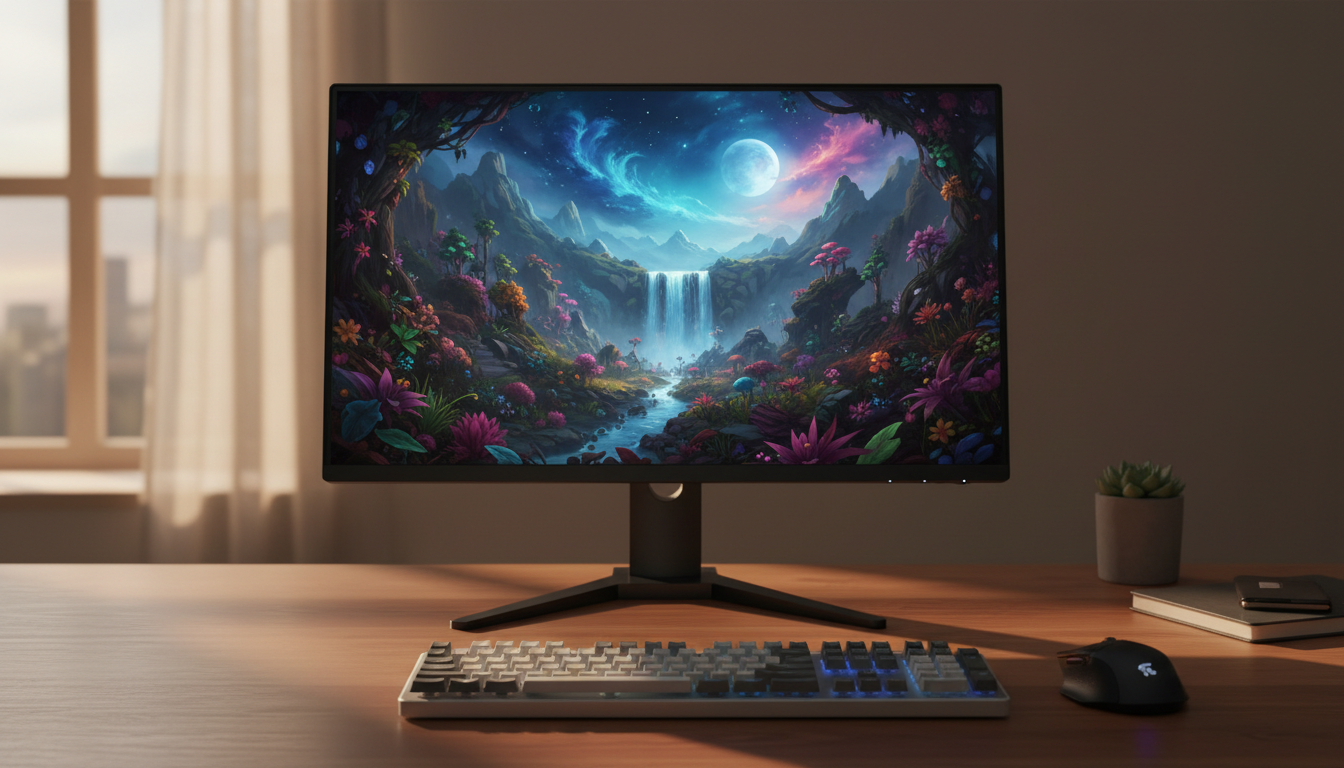
The X27q looks plain in a good way. It has a matte black finish, thin bezels on three sides, and a square stand base that doesn’t eat much desk space. Reviewed found the all-plastic build basic but acceptable for the price. The stand raises and lowers the screen by 100mm, tilts it, and pivots it 90 degrees clockwise into portrait mode, which helps if you read long documents or code. It doesn’t swivel, so you turn the whole stand to angle the screen.
Reviewed noted that the screen is too wide to sit upright in portrait mode on the included stand unless you raise it or let it hang over the desk edge. If you plan to use portrait mode often, a VESA monitor arm from Amazon solves that problem and frees up desk space. HP also placed five control buttons on the back, which reviewers found awkward to use.
Ports and connectivity
Connectivity is the X27q’s biggest weakness. You get one DisplayPort 1.4 input, one HDMI 2.0 input, and a headphone jack. There’s no Universal Serial Bus (USB) hub and no USB Type-C (USB-C) input for laptops. DisplayNinja also points out that the HDMI port tops out at 144Hz at 1440p, so PC gamers should use DisplayPort to reach 165Hz. A PlayStation 5 or Xbox Series X connected over HDMI 2.0 works, but it can’t use the 120Hz modes that HDMI 2.1 enables at higher resolutions.
Picture quality
At 27 inches, 1440p delivers about 108 pixels per inch, which makes text and game details noticeably sharper than on a 1080p screen of the same size. The IPS panel keeps colors consistent at wide viewing angles. DisplayNinja measured about 110 percent of the standard Red Green Blue (sRGB) color space, which means colors look vibrant but slightly oversaturated. The monitor has no sRGB mode to rein them in, which matters if you edit photos for the web.
Reviewed measured about 281 nits of brightness in standard mode and 452 nits in HDR mode, plus a contrast ratio of around 900:1. That contrast is typical for IPS, so blacks look grayish in a dark room, and DisplayNinja noted visible IPS glow. Its HDR performance is limited: the panel has only eight edge-lit dimming zones, which DisplayNinja called not very effective. Treat HDR as a bonus, not a reason to buy.
HP also builds in an always-on low blue light filter it calls Eye Ease, which aims to reduce eye strain during long sessions without a yellow tint. DisplayNinja found that the screen coating makes the image look slightly grainy, a tradeoff some users notice with white backgrounds.
Gaming performance
Gaming is where the X27q earns its reputation. Reviewed saw smooth motion at 165Hz, low blur during fast camera pans, and only slight ghosting behind fast-moving objects. DisplayNinja measured input lag of about 4ms, which feels instant, and recommends the second of four overdrive levels above 100Hz.
FreeSync Premium covers 60 to 165Hz over DisplayPort, and low framerate compensation keeps things smooth when your frame rate drops below 60 frames per second (fps). Reviewers found that variable refresh rate (VRR) also works on Nvidia GeForce cards over DisplayPort. A motion blur reduction mode, which HP labels moving picture response time (MPRT), strobes the backlight to sharpen motion. It can’t run at the same time as FreeSync, and the flicker bothers some people.
To drive 1440p at high frame rates, pair it with a capable graphics card such as the Radeon RX 9070 XT.
Pros and cons
Pros
- Sharp 1440p IPS picture with vibrant colors
- Smooth 165Hz refresh rate with low input lag
- FreeSync Premium that also works with Nvidia cards
- Height, tilt, and pivot adjustments
- Very good value at typical sale prices
Cons
- Only one DisplayPort and one HDMI input; no USB ports
- HDMI limited to 144Hz
- Mediocre contrast and weak HDR
- No sRGB mode, no swivel, and no speakers
- Superseded by newer 180Hz models at similar prices
Is the HP X27q still worth buying in 2026?
The X27q is several years old, and newer budget monitors have caught up. HP’s own replacement, the OMEN 27q G2, launched in 2025 at $299.99 with a 180Hz IPS panel, factory color calibration, two HDMI 2.0 ports, and a height, tilt, and pivot stand, according to Notebookcheck. TechSpot’s 2026 monitor guide recommends 180Hz 1440p IPS models such as the Asus ROG Strix XG27ACS at around $200, and it highlights the AOC Q27G40XMN, which adds a Mini light-emitting diode (Mini LED) backlight for much better HDR at about $250.
That leaves the X27q as a good deal only when it sells for well under $200, including renewed units.
HP X27q vs. newer 27-inch 1440p monitors
Amazon is our main affiliate partner, and it carries the X27q alongside newer 27-inch 1440p gaming monitors. Prices change often, so check current listings.
Compare similar 27-inch 1440p gaming monitors on Amazon
| Monitor | Panel and refresh rate | Standout feature | Best for | Shop |
|---|---|---|---|---|
| HP X27q | IPS, 165Hz | Budget price, pivot stand | Bargain hunters | Check price |
| HP OMEN 27q G2 | IPS, 180Hz | Factory calibration, two HDMI ports | HP fans who want the newer model | Check price |
| Asus ROG Strix XG27ACS | IPS, 180Hz | Good response time tuning | Competitive gamers on a budget | Check price |
| AOC Q27G40XMN | Vertical alignment (VA) Mini LED, 180Hz | 1,152 dimming zones for HDR | HDR games and movies | Check price |
| MSI MAG 274QF X24 | IPS, 240Hz | Higher refresh rate | Fast shooters | Check price |
| MSI MAG 271QP X24 | Quantum dot organic light-emitting diode (QD-OLED), 240Hz | Deep blacks, near-instant response | Premium image quality | Check price |
- HP OMEN 27q G2: The closest upgrade, with a faster panel and an extra HDMI input. See the OMEN 27q G2 on Amazon.
- AOC Q27G40XMN: Its Mini LED backlight fixes the X27q’s weak contrast and HDR, though VA panels show more smearing in dark scenes. See the AOC Q27G40XMN on Amazon.
- MSI MAG 271QP X24: An OLED costs about twice as much and carries some burn-in risk, but it looks dramatically better. See the MSI MAG 271QP X24 on Amazon.
Who should buy the HP X27q?
Buy the HP X27q if you want an affordable 1440p monitor for PC gaming and everyday work, you have a graphics card with DisplayPort, and you find it at a deep discount. Skip it if you need USB-C, more inputs, strong HDR, or the best console support. Use a certified DisplayPort 1.4 cable to get the full 165Hz.
Frequently asked questions
Is the HP X27q good for PS5 or Xbox?
The HP X27q works with a PS5 or Xbox, but its HDMI 2.0 port limits consoles. A console-focused buyer gets more from a TV or monitor with HDMI 2.1; see our best gaming TVs for PS5 and Xbox.
Does the HP X27q have speakers?
No, the HP X27q doesn’t have speakers. Use headphones through the 3.5mm jack or separate speakers.
Can you wall mount the HP X27q?
Yes, you can wall mount the HP X27q. It supports VESA 100 x 100mm mounts and arms.
Does the HP X27q work with G-Sync?
Yes, the HP X27q’s adaptive sync works with Nvidia GeForce cards. Reviewers report that VRR works with Nvidia GeForce cards over DisplayPort, though sources disagree on whether it carries official G-Sync Compatible certification.
Final verdict
The HP X27q proved that a good 1440p 165Hz gaming monitor didn’t need to cost much. Its sharp IPS picture, smooth motion, and flexible stand still hold up, but limited inputs, weak HDR, and newer 180Hz rivals make it a buy only at a clear discount. Check the current HP X27q price on Amazon.