
Home Tech Land is reader-supported. When you buy through links on our site, we may earn a commission. As an Amazon Associate, we earn from qualifying purchases.
Last updated: . How we research: We compare manufacturer specs with published lab measurements and owner reports; we don’t test products in person. Learn more about Home Tech Land.
The Microsoft Surface Laptop Studio is a 14.4-inch convertible laptop with a pull-forward screen, and in 2026 it only makes sense as a discounted used buy for artists and note-takers. Microsoft launched it in October 2021, followed it with the Surface Laptop Studio 2 in 2023, and stopped making the Studio 2 in 2025 without a successor. This Surface Laptop Studio review explains what reviewers liked, where it fell short, and what to buy instead today.
Quick verdict: The Surface Laptop Studio’s Dynamic Woven Hinge lets the 120 hertz (Hz) touchscreen pull forward into a stage or fold flat into a tablet, which makes it one of the best Windows laptops for drawing with a pen. Its 11th Gen Intel processors and modest Nvidia graphics trailed similarly priced laptops even at launch, though, and it has only two Universal Serial Bus Type-C (USB-C) ports. Buy one used only at a deep discount. Check the Surface Laptop Studio price on Amazon.
Key takeaways
- What it is: A 14.4-inch, 2400 x 1600 convertible laptop with a 120Hz touchscreen that pulls forward or folds flat over the keyboard.
- Price: It launched at $1,599 in October 2021, and the Surface Laptop Studio 2 started at $1,999 in 2023. Used and refurbished prices vary widely, and prices change often.
- Main strength: The hinge and the optional Surface Slim Pen 2 make it an excellent digital sketchbook, with 487 nits of average brightness in Tom’s Guide’s testing.
- Main weaknesses: Performance that trailed rivals (5,820 in Geekbench 5 multicore for Tom’s Guide), only two USB-C ports, and a pen sold separately.
- Status: Microsoft stopped making the Studio 2 in May 2025 with no replacement; it supports the original model’s drivers and firmware until October 5, 2027.
Surface Laptop Studio at a glance
| Spec | Surface Laptop Studio (2021) | Surface Laptop Studio 2 (2023) |
|---|---|---|
| Processor | Intel Core i5-11300H or i7-11370H (11th Gen) | Intel Core i7-13700H or i7-13800H (13th Gen) |
| Graphics | Intel Iris Xe (i5); Nvidia GeForce RTX 3050 Ti with 4GB (i7) | Intel Iris Xe, Nvidia RTX 4050, RTX 4060, or RTX 2000 (business) |
| Memory | 16GB or 32GB | 16GB, 32GB, or 64GB |
| Storage | 256GB to 2 terabytes (TB) solid-state drive (SSD), removable | 512GB to 2TB SSD |
| Display | 14.4-inch PixelSense Flow touchscreen, 2400 x 1600, up to 120Hz, Dolby Vision | Same size and resolution, up to 120Hz |
| Ports | Two Thunderbolt 4 (USB-C), Surface Connect, headphone jack | Two Thunderbolt 4 (USB-C), USB Type-A (USB-A), microSD card reader, Surface Connect, headphone jack |
| Weight | 3.83 pounds (i5) or 4.0 pounds (i7) | About 4.37 pounds |
| Battery life (tested) | 10 hours 42 minutes (i7, Tom’s Guide) | About 11 hours 52 minutes (PCWorld) |
| Launch price | $1,599 | $1,999 |
Specs come from PCWorld’s Surface Laptop Studio launch coverage and PCWorld’s Surface Laptop Studio 2 review. Check the exact processor and graphics on any used unit, since the i5 model lacks the Nvidia chip.
Is the Surface Laptop Studio discontinued?
Yes. Microsoft no longer makes either Studio model. Tom Warren of The Verge reported in May 2025 that Microsoft had stopped production of the Surface Laptop Studio 2 with no new version planned, and Thurrott noted that it lacked the hardware for Copilot+ PC features. Microsoft now focuses on the Surface Pro and Surface Laptop, which got Snapdragon X2 versions in June 2026 starting at $1,499 and $1,599, according to Microsoft’s announcement.
Support still matters if you buy used. Microsoft’s Surface lifecycle page lists driver and firmware support for the original Surface Laptop Studio until October 5, 2027, and for the Studio 2 until October 3, 2029. Windows 11 security updates come separately, so the laptop stays usable after those dates, but it won’t get new firmware fixes.
Design and the Dynamic Woven Hinge
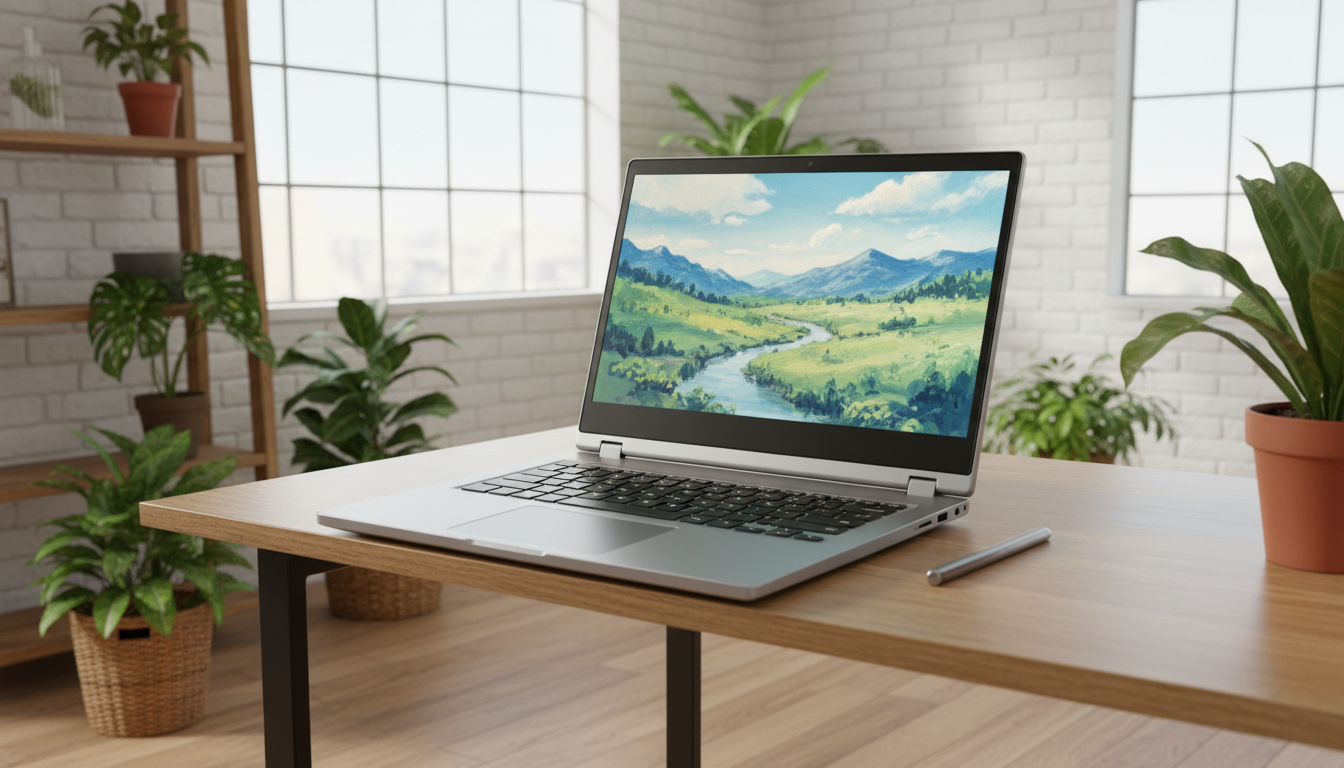
The Studio’s party trick is its screen. Instead of folding back like most 2-in-1 laptops, the display pivots on a fabric-wrapped hinge across its back, so you can use it in three modes: a normal laptop, Stage mode with the screen pulled forward over the keyboard (good for movies, games, and drawing with the touchpad still reachable), and Studio mode, where the screen lies flat over the keyboard like a tablet. Tom’s Guide called the sliding display versatile and praised the strong speakers with good bass.
The trade-off is bulk. At 4 pounds for the i7 model, the Studio weighs more than most 14-inch laptops, and as a tablet it feels thick and heavy compared with a Surface Pro.
Display and Surface Slim Pen 2
The 14.4-inch PixelSense Flow screen uses a 3:2 aspect ratio, a 2400 x 1600 resolution, and a refresh rate of up to 120Hz. In Tom’s Guide’s Surface Laptop Studio review, it averaged 487 nits of brightness, covered 105.6% of the standard red, green, and blue (sRGB) color space, and showed excellent color accuracy. It looks bright and sharp for photos, video, and art.
The Surface Slim Pen 2 adds 4,096 levels of pressure sensitivity and a haptic motor that simulates the feel of pen on paper in supported apps. It costs extra (about $129 at launch) and docks magnetically under the front edge of the laptop, where it charges. If you buy a used Studio without one, budget for a Surface Slim Pen 2.
Performance and gaming
Here the original Studio disappoints. Microsoft used Intel’s 35-watt H35 chips, which are four-core processors. Tom’s Guide measured 5,820 in Geekbench 5 multicore, while the MacBook Pro with M1 Pro scored 12,477 in Tom’s Guide’s comparison, and the Studio took 11 minutes and 24 seconds to transcode a 4K video to 1080p, more than twice as long as the MacBook. The RTX 3050 Ti handles light gaming: Tom’s Guide recorded 66 frames per second in Civilization VI at 1080p. Expect modern games to need low settings.
The Studio 2 fixed much of this with 14-core 13th Gen Intel chips and up to an RTX 4060, but PCWorld found it performed poorly unless you switched on the high performance mode, and it called the $1,999 starting price a Surface premium.
Battery life and ports
Battery life holds up well for a laptop with discrete graphics. Tom’s Guide measured 10 hours and 42 minutes of web browsing at 120Hz on the i7 model, and PCWorld got just under 12 hours from the Studio 2 in its loop test. On a used unit, expect less as the battery ages.
Ports are the biggest daily annoyance on the first model: two Thunderbolt 4 ports on the left side, a headphone jack, and the Surface Connect charging port, with no USB-A or card reader. Tom’s Guide called the ports few and awkwardly placed. A USB-C hub with High-Definition Multimedia Interface (HDMI) and USB-A ports solves most problems. The Studio 2 added a USB-A port and a microSD reader.
Pros and cons
Pros
- Versatile pull-forward and tablet modes
- Bright, accurate 120Hz touchscreen
- Excellent pen experience with the Slim Pen 2
- Strong speakers
- Good battery life for a laptop with discrete graphics
Cons
- Performance trails similarly priced laptops
- Only two USB-C ports and no USB-A on the first model
- Heavy for a 14-inch laptop
- Pen costs extra
- Discontinued with no successor
Surface Laptop Studio vs. current alternatives
With no Studio 3 coming, the closest replacements are other pen-friendly 2-in-1 laptops and Microsoft’s own Surface Pro. Amazon is our main affiliate partner, and it carries renewed Surface Laptop Studio models alongside current convertibles from Microsoft, Lenovo, HP, and ASUS. Prices change often, so check the latest deals.
Compare similar 2-in-1 laptops on Amazon
| Laptop | Processor | Screen | Best for | Shop |
|---|---|---|---|---|
| Microsoft Surface Laptop Studio | Intel Core i5 or i7 (11th Gen) | 14.4-inch, 120Hz | Artists buying used | Check price |
| Microsoft Surface Laptop Studio 2 | Intel Core i7 (13th Gen) | 14.4-inch, 120Hz | More power and ports, used | Check price |
| Microsoft Surface Pro (13-inch) | Qualcomm Snapdragon X series | 13-inch touchscreen | A light tablet first, laptop second | Check price |
| Lenovo Yoga 7i 2-in-1 | Intel Core Ultra | 14- or 16-inch touchscreen | A budget convertible | Check price |
| HP OmniBook X Flip | Intel Core Ultra or AMD Ryzen AI | 14- or 16-inch touchscreen | A 360-degree hinge with pen support | Check price |
| ASUS ProArt PX13 | AMD Ryzen AI | 13.3-inch organic light-emitting diode (OLED) touchscreen | Creators who need graphics power | Check price |
- Surface Pro: It’s the most direct Microsoft alternative for pen users, with all-day battery life and Copilot+ features, but the keyboard and pen cost extra. See the Surface Pro on Amazon.
- Lenovo Yoga or Flex convertibles: They cost far less and fold back 360 degrees. Our Lenovo Flex 7i review covers a budget option.
- ASUS ProArt PX13: It packs much stronger graphics and an OLED touchscreen into a smaller 2-in-1, which suits creators who outgrew the Studio. See the ProArt PX13 on Amazon.
If you plan to dock the Studio at a desk, Microsoft’s Audio Dock adds a speaker, extra USB-C ports, and HDMI through one cable.
Who should buy the Surface Laptop Studio?
Buy a used Surface Laptop Studio if you sketch, take handwritten notes, or edit photos with a pen and want a laptop that turns into a drawing easel. Look for the i7 model with 32GB of memory, and prefer the Studio 2 if the price gap is small. Skip it if you need strong performance per dollar, lots of ports, or long-term firmware support; a Surface Pro or a newer 2-in-1 suits those needs better.
Frequently asked questions
Is the Surface Laptop Studio discontinued?
Yes, Microsoft discontinued the Surface Laptop Studio line, and it stopped making the Surface Laptop Studio 2 in May 2025 without announcing a successor. You can still find both models used and refurbished.
Does the Surface Laptop Studio come with a pen?
No, the Surface Laptop Studio doesn’t include a pen. The Surface Slim Pen 2 cost about $129 at launch, and it docks and charges under the front edge of the laptop.
Can the Surface Laptop Studio play games?
Yes, the Surface Laptop Studio can play games if you get the Core i7 model with the Nvidia RTX 3050 Ti. Tom’s Guide recorded 66 frames per second in Civilization VI at 1080p, but demanding modern games need low settings.
How long will Microsoft support the Surface Laptop Studio?
Microsoft supports the Surface Laptop Studio’s drivers and firmware until October 5, 2027, and the Surface Laptop Studio 2 until October 3, 2029. Windows 11 security updates arrive separately.
Final verdict
The Surface Laptop Studio remains one of the most inventive Windows laptops ever made, and its hinge, screen, and pen support still delight artists. Its slow 11th Gen chips, two-port design, and discontinued status mean you should only buy one used at a real discount, ideally a Studio 2. Everyone else should look at a Surface Pro or a modern 2-in-1. Check the current Surface Laptop Studio price on Amazon.