
Home Tech Land is reader-supported. When you buy through links on our site, we may earn a commission. As an Amazon Associate, we earn from qualifying purchases.
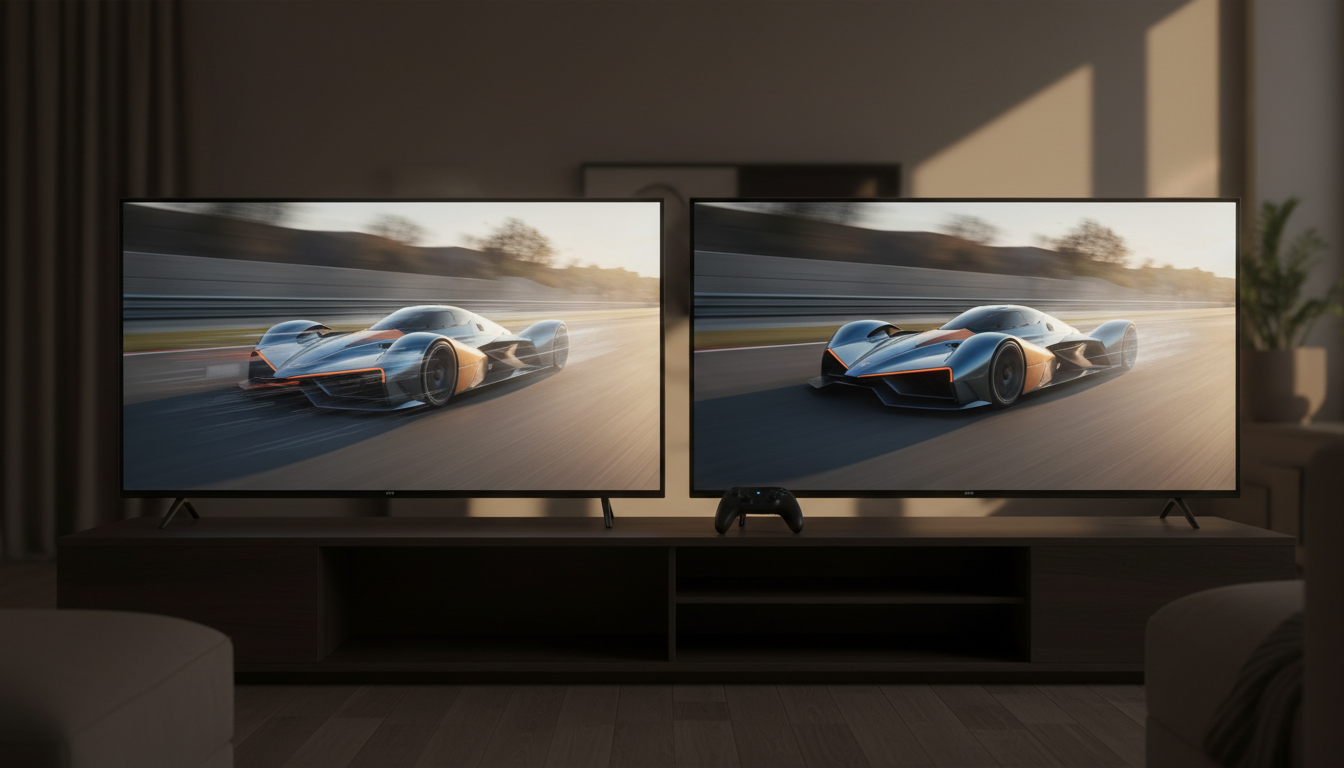
Shop for a new TV and you’ll see refresh rate numbers everywhere: 60Hz, 120Hz, 144Hz, 165Hz, and marketing figures like “Motion Rate 240” or “TruMotion 480.” Some of those numbers describe what the screen can actually do, and some don’t. This 60Hz vs 120Hz TV guide explains what refresh rate means, how to spot inflated “effective” numbers, why gamers with a PlayStation 5 (PS5) or Xbox Series X care so much about 120Hz, how refresh rate affects movies and sports, and when a cheaper 60Hz TV is all you need.
Quick verdict: If you play games on a PS5, an Xbox Series X, or a gaming personal computer (PC), buy a TV with a native 120Hz (or faster) panel and High-Definition Multimedia Interface (HDMI) 2.1 ports. If you mainly stream shows, movies, and sports, a good 60Hz TV works fine, and you should put your money toward better contrast and brightness instead. Budget Mini light-emitting diode (Mini LED) TVs like the TCL QM6K now offer a native 144Hz panel for little more than a basic 60Hz set. Check the TCL QM6K price on Amazon.
60Hz vs 120Hz TV at a glance
| Feature | 60Hz TV | 120Hz TV |
|---|---|---|
| Screen refreshes per second | 60 | 120 |
| Time per refresh | About 16.7 milliseconds (ms) | About 8.3ms |
| Maximum console frame rate shown | 60 frames per second (fps) | 120fps (with HDMI 2.1 for 4K) |
| 24fps movies | Uses 3:2 pulldown, which can cause judder, unless the TV has a 24p mode | Repeats each frame five times for even timing |
| Variable refresh rate (VRR) range | Up to 60Hz | Up to 120Hz |
| Typical TVs | Entry-level LED TVs | Midrange and premium liquid crystal display (LCD) and organic light-emitting diode (OLED) TVs |
| Best for | Streaming, cable, and casual gaming | Gaming, sports, and fast-moving content |
Timing figures follow directly from the refresh rate: 1,000 ms divided by 60 or 120.
What refresh rate means
A TV’s refresh rate, measured in hertz (Hz), is the number of times per second the screen draws a new image. A 60Hz TV redraws 60 times per second, and a 120Hz TV redraws 120 times per second.
Frame rate is a different number. It describes how many images per second your source sends: a movie, a streaming app, a cable box, or a game console. A movie typically runs at 24fps, most TV broadcasts run at 30 or 60fps, and many current console games offer a 60fps mode and a 120fps “performance” mode. The TV can only show as many unique frames per second as its refresh rate allows, so a 60Hz screen caps a 120fps game at 60fps and simply never displays the extra frames.
Refresh rate also isn’t the same as response time. Response time measures how quickly each pixel changes color. A slow response time causes blurry trails behind moving objects, no matter how high the refresh rate. OLED TVs have nearly instant pixel response, which is one reason they look so sharp in motion.
Native vs. “effective” refresh rate: the marketing trap
The most important number is the native refresh rate, the speed the panel physically runs at. Many brands also advertise a larger “effective” number that combines the native rate with motion processing, such as frame interpolation or backlight flicker. According to Tom’s Guide, these inflated figures usually double the real rate, and some brands have claimed 240Hz on a panel that only runs at 60Hz. Common names include:
- Hisense: Motion Rate
- LG: TruMotion
- Samsung: Clear Motion Rate and Motion Rate
- Sony: Motionflow XR
- TCL: Clear Motion Index (CMI) and Motion Rate
- Vizio: Clear Action
For example, Hisense lists the 2026 U7SG with “Motion Rate 480,” but Tom’s Guide’s Hisense U7SG review confirms a native 165Hz panel. To find the real number, look for the words “native” or “actual” in the spec sheet, check an independent review from Tom’s Guide or RTINGS, or look at gaming specs: a TV that supports 4K at 120Hz from a PS5 or Xbox Series X has a native 120Hz or faster panel. If a budget TV lists “120Hz effective” and no native figure, assume it’s a 60Hz panel.
What about 144Hz and 165Hz TVs?
Since 2024, many TVs have pushed past 120Hz. The TCL QM6K and QM7L run at a native 144Hz, the Hisense U7SG reaches 165Hz, and LG’s 2026 C6 OLED supports 165Hz, while the step-down LG B6 stays at 120Hz, according to Tom’s Guide’s LG C6 vs. B6 comparison. Even budget sets have joined in: our TCL Q77K review covers a Costco TCL with a native 144Hz panel.
These faster rates only matter for PC gaming. The PS5, PS5 Pro, and Xbox Series X all top out at 120Hz, so a 144Hz or 165Hz TV gives console players no extra smoothness. The Nintendo Switch 2 also supports 120Hz output when docked, but only at 1080p resolution, according to TechRadar. PC gamers with a powerful graphics card can use the extra headroom, though Tom’s Guide notes that the LG C6 reaches 4K at 165Hz only with a gaming PC connected and VRR turned on. Treat anything above 120Hz as a bonus, not a reason to pay more.
Why 120Hz matters for gaming
4K at 120Hz on PS5 and Xbox Series X
Both current consoles can output 4K at up to 120Hz in supported games, and many shooters, racing games, and sports titles offer 120fps modes. To use them, you need four things:
- A TV with a native 120Hz or faster panel
- An HDMI 2.1 port that supports 4K at 120Hz (many TVs have only two, and one may double as the enhanced audio return channel (eARC) port for your soundbar)
- An Ultra High Speed HDMI cable, like the one included with your console
- The console setting turned on: “Enable 120 Hz Output” on PS5, or “Allow 4K” and the 120Hz refresh rate option in the Xbox video settings
The original version of this article suggested pairing a 120Hz TV with a “new-generation Blu-ray player.” That doesn’t work: Ultra HD Blu-ray tops out at 60fps, so game consoles and PCs remain the main 120fps sources. If your console didn’t come with a cable or you need a longer one, pick up a certified Ultra High Speed HDMI cable on Amazon.
Lower input lag
Input lag is the delay between pressing a button and seeing the result. At 120Hz, a new frame arrives every 8.3ms instead of every 16.7ms, so lag drops when you feed the TV a 120Hz signal. Most current gaming TVs measure around 9 to 10ms at 60Hz in game mode and roughly half that at 120Hz. A 120Hz panel doesn’t automatically mean low lag, though; game mode and the TV’s processing matter just as much.
Variable refresh rate (VRR)
Games rarely hold a perfectly steady frame rate. VRR lets the TV change its refresh rate on the fly to match the console, which prevents screen tearing and stutter when frame rates dip. TVs support it through the HDMI Forum VRR standard, AMD FreeSync, or NVIDIA G-Sync. On a 60Hz TV, VRR only works up to 60Hz, while a 120Hz TV can sync anywhere in its range, often from about 40Hz to 120Hz.
Auto low latency mode (ALLM)
ALLM switches the TV into game mode automatically when you start a game and back to your normal picture settings when you return to movies. Many 60Hz TVs support ALLM too, so it isn’t a 120Hz-only feature, but it pairs naturally with 120Hz gaming.
For specific recommendations, see our guide to the best gaming TVs for PS5 and Xbox, which compares measured input lag and HDMI 2.1 port counts.
Movies and judder: how each TV handles 24fps
Nearly all movies and many streaming dramas run at 24fps. Because 60 isn’t a multiple of 24, a 60Hz TV uses a technique called 3:2 pulldown: it shows one frame three times and the next frame twice, alternating. That uneven timing creates judder, a subtle stutter that you’ll notice most during slow camera pans.
A 120Hz TV can show each 24fps frame exactly five times, so every frame stays on screen for the same amount of time and judder disappears. Some 60Hz TVs can also play 24fps content without judder by switching into a 24Hz or 48Hz mode, so check a review if this matters to you. To make the most of it, turn on your streaming device’s “match frame rate” or “match content” setting so it sends movies at their native 24fps.
One thing 120Hz can’t fix is the low frame rate itself. At 24fps, fast pans still look a little choppy on any TV, and they can look choppier on OLED TVs, because near-instant pixel response leaves no blur to smooth over the gaps between frames.
Motion smoothing and the soap opera effect
Most TVs offer motion interpolation, which creates new in-between frames to make motion look smoother. Brands give it different names, such as Samsung’s Auto Motion Plus, LG’s TruMotion, and Sony’s Motionflow. On a 120Hz TV, interpolation has more room to work, which is one reason high-refresh TVs look smoother with sports.
The downside is the soap opera effect: movies start to look like cheap video, losing their cinematic feel. Interpolation can also add visible artifacts and input lag. The original version of this article said motion interpolation lowers lag, but it actually increases it, which is why game mode turns it off. If movies look strangely smooth, switch to Filmmaker Mode or turn off motion smoothing in the picture settings.
Black frame insertion (BFI) is a different tool. It briefly blanks the screen or flickers the backlight between frames to reduce motion blur. It doesn’t raise the frame rate, as some guides claim, and it dims the picture and can cause visible flicker for some viewers.
Sports, broadcast TV, and streaming
Live sports usually reach your TV at 60fps, so a 60Hz TV can show every frame. A 120Hz TV still helps a little: it gives motion smoothing more room to reduce blur on fast pans, and many 120Hz TVs pair with better panels and processing overall. Here’s what most common content looks like:
| Content | Typical frame rate | Does 120Hz help? |
|---|---|---|
| Movies (theatrical, Blu-ray, and streaming) | 24fps | Yes, it removes 3:2 pulldown judder |
| Ultra HD Blu-ray | 24fps to 60fps | Only for judder-free 24fps playback |
| Streaming dramas and comedies | 24fps to 30fps | Slightly, through even frame timing |
| US cable, broadcast, and streaming sports | 30fps to 60fps | Modestly, through smoother processing |
| YouTube videos | 24fps to 60fps | Rarely |
| Console games | 30fps to 120fps | Yes, for 120fps modes |
| PC games | Up to your graphics card’s limit | Yes, and 144Hz or 165Hz adds more headroom |
Regions that once used the Phase Alternating Line (PAL) broadcast standard, such as the UK and much of Europe, use 25fps and 50fps instead of 30fps and 60fps. Movies shot at higher frame rates, such as 48fps or 120fps, remain rare at home.
When 120Hz matters, and when 60Hz is fine
Choose a 120Hz (or faster) TV if:
- You own a PS5, Xbox Series X, or gaming PC and want 120fps modes
- You watch a lot of fast sports and like smooth motion
- You’re sensitive to judder in movies
- You’re buying a midrange or premium TV anyway, since most now include it
A 60Hz TV is fine if:
- You mainly stream shows and movies or watch cable
- You game casually, or only on a Nintendo Switch or older console
- You’re buying a small or secondary TV for a bedroom or kitchen on a tight budget
Remember that refresh rate is only one part of picture quality. Contrast, brightness, and local dimming usually make a bigger visible difference than 60Hz vs. 120Hz for movies and TV shows. Our Vizio V4K65X-08 review covers a typical 60Hz budget TV and what you give up.
Compare TVs by refresh rate
Amazon is our main affiliate partner, and it carries TVs at every refresh rate, from budget 60Hz models to 165Hz OLEDs. Prices change often, so check the current listing.
Compare similar TVs by refresh rate on Amazon
| TV | Native refresh rate | Display type | Best for | Shop |
|---|---|---|---|---|
| Vizio V4K65X-08 | 60Hz | Full-array LED | Streaming on a budget | Check price |
| Sony Bravia 3 II | 120Hz | Direct-lit LED | Bright rooms and console gaming | Check price |
| LG B6 | 120Hz | OLED | Movies and console gaming | Check price |
| TCL QM6K | 144Hz | Quantum dot Mini LED | Budget gaming | Check price |
| Hisense U7SG | 165Hz | Mini LED | Multi-console and PC gaming | Check price |
| LG C6 | 165Hz | OLED | PC gaming and premium picture | Check price |
Refresh rates come from manufacturer specs and reviews by Tom’s Guide. Shopping for a big screen on a budget? See our picks for the best 65-inch TV under $1,000.
Frequently asked questions
Is 120Hz worth it over 60Hz?
For gamers, yes. A native 120Hz panel lets a PS5, Xbox Series X, or PC run 120fps modes with lower input lag. For streaming and cable, the difference is small, and better contrast matters more.
Can a 60Hz TV play games at 4K and 120fps?
No. A 60Hz TV caps any signal at 60fps, even if the box advertises “120Hz effective” or a high Motion Rate number.
Is a 144Hz TV better than a 120Hz TV for PS5?
Not for console games. The PS5 and Xbox Series X top out at 120Hz, so 144Hz and 165Hz only help PC gamers.
Should I turn off motion smoothing?
For movies, most people prefer it off, or set to a low level, to avoid the soap opera effect. Game mode turns it off automatically to cut input lag. For sports, try a low setting and see what you like.
Final verdict
The 60Hz vs 120Hz TV question has a clearer answer than it did a few years ago. A native 120Hz panel is essential for PS5, Xbox Series X, and PC gaming, it removes judder from movies, and it now comes standard on most midrange TVs. A 60Hz TV still works well for streaming, cable, and casual play, but the price gap has shrunk so much that a 120Hz or 144Hz TV is the smarter buy for most people. Just ignore the inflated “effective” numbers and check the native refresh rate. Check the current TCL QM6K price on Amazon.